In Nova for Districts, you may use the club listing to identify which clubs have an active ClubRunner subscription.
-
To begin, log in to your account through your district homepage, then click Member Area in the top right-hand corner. Alternatively, click here to go directly to the ClubRunner login page.
-
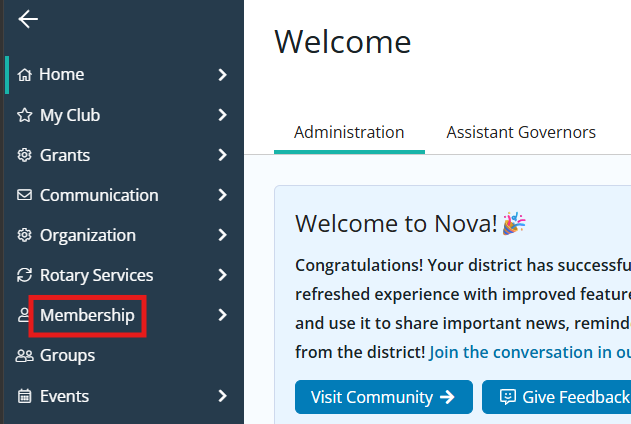
Once inside the members area, click Membership in the left-hand navigation menu to navigate to the Clubs List.
-
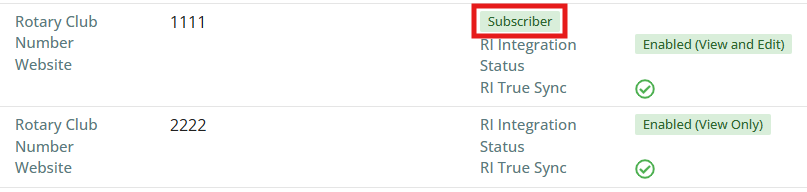
On the following page, you will see a list of all clubs in the district, as well as their RI Integration Status and RI True Sync status. Any clubs with an active ClubRunner subscription will have the Subscriber tag listed in the column with their Rotary sync information.
-
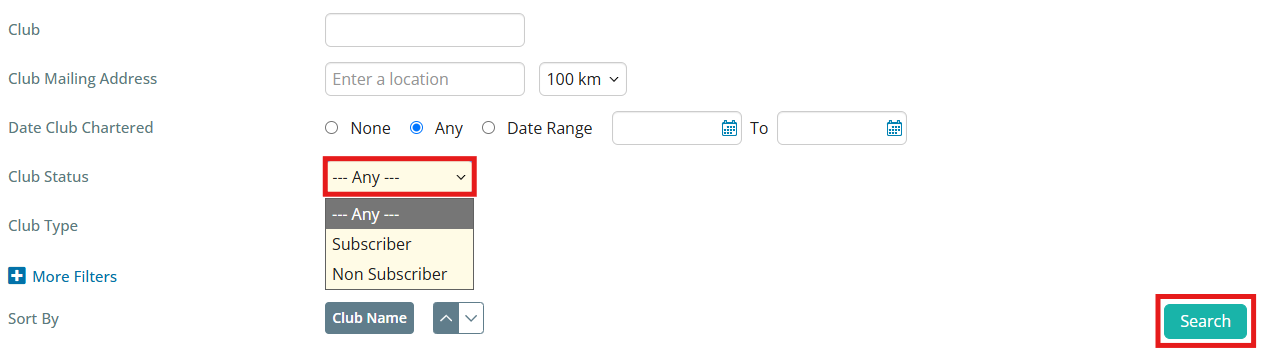
You may use the Club Status filter at the top of the page to select either Subscriber or Non Subscriber clubs to display. Once you've made your selection, click the Search button.
-
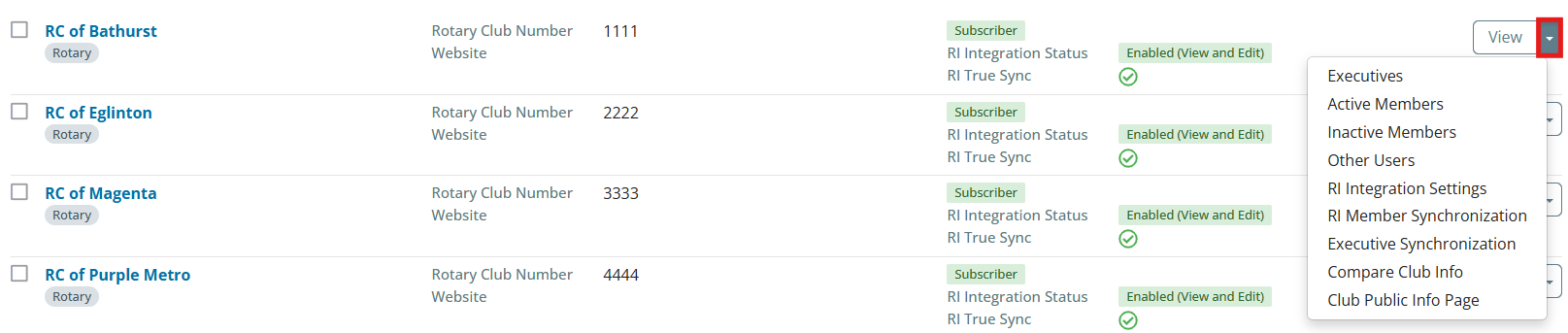
The list of Subscriber or Non Subscriber clubs will be displayed below the filters, depending on your choice. You may click the View button to view that club's details, or click the drop-down arrow next to View to navigate to a related page such as the club's Executives, Active Members, RI Integration Settings, or more.