


A general ledge (GL) account is used to track financial transactions for a club or organization, whether it be revenue, equity, expense, or liability. The Financials module is equipped with standard GL accounts by default, but you can create additional GL accounts for logging transactions based on your club's specific needs.
This support article will show you how to add a new GL account to the Financials module.
-
To begin, log in to your account through your club homepage, then click on Member Area in the top right-hand corner. Alternatively, click here to go directly to the ClubRunner login page.
-
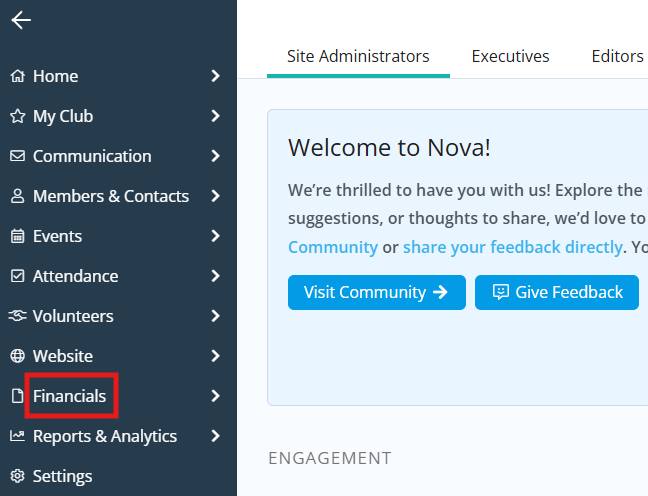
On the left-hand menu, click Financials.
-
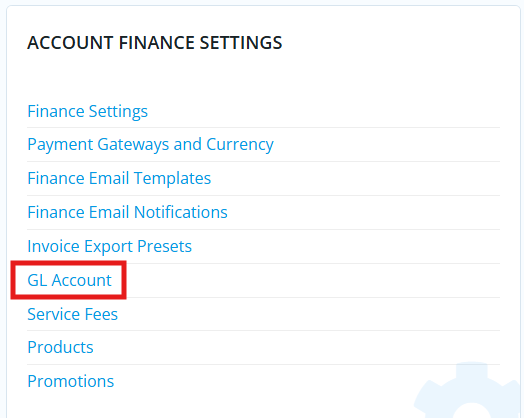
Click GL Account in the Account Finance Settings section.
-
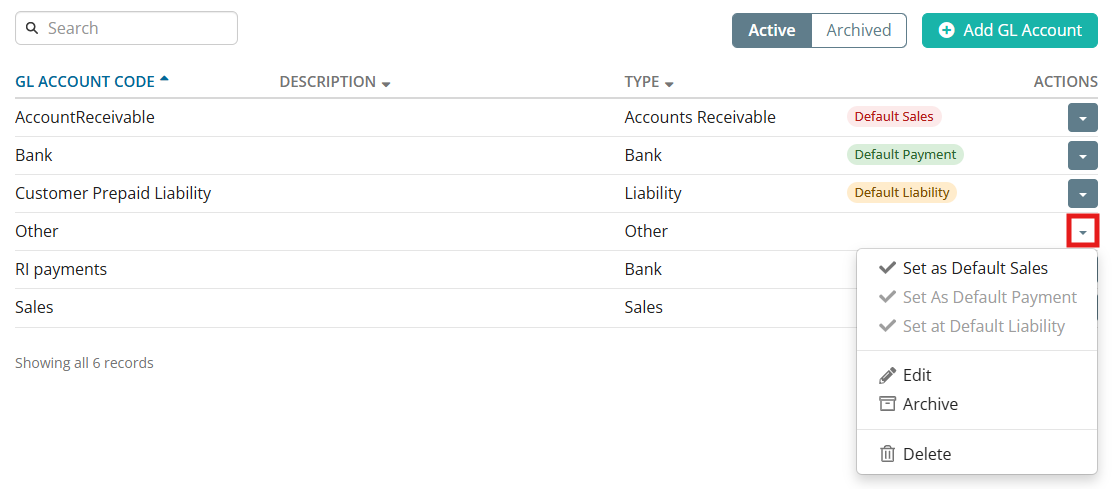
You will see a list of the existing GL accounts for the club, and may click the drop-down menu in the Actions column to edit, archive, delete, or set a default GL account.
-
To create a new GL account, click Add GL Account.

-
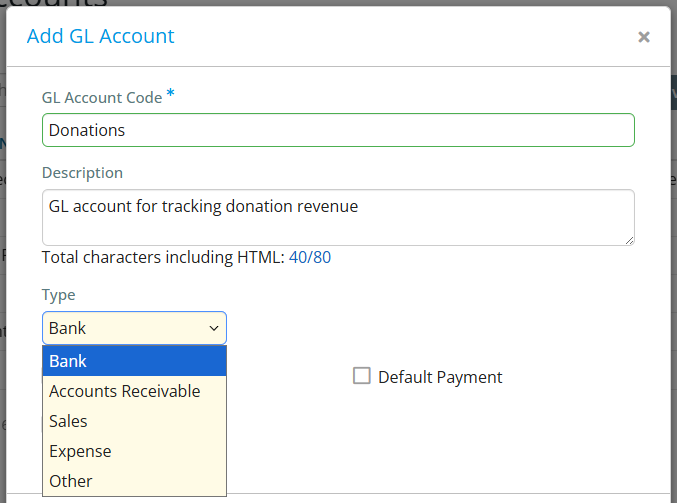
In the window that appears, enter the GL Account Code and an optional description, then select the GL account type by using the drop-down menu.
-
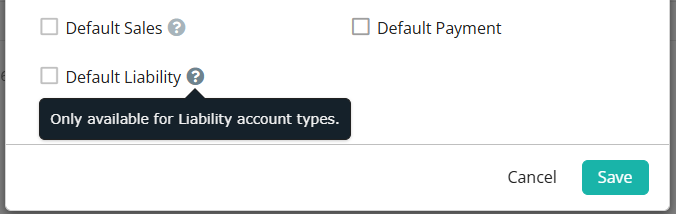
You have the option of setting the new account as the default Sales, Payment, or Liability account. These options are only available if you set the respective type for this GL account.
-
Click Save when finished and you will see the new GL account added to the list.
