This support article will show you how to add hyperlinks in the content of stories and widgets.
-
Enter text or an image which you would like to use as a link. Highlight the text or image, then click the Link icon on the tool bar.

-
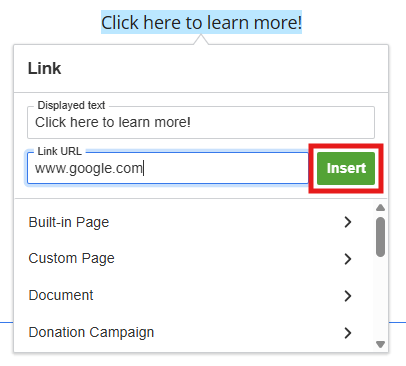
You will get the following Insert Link window. You may enter a specific URL into the Link URL field and then click Insert to add it to your selection.
-
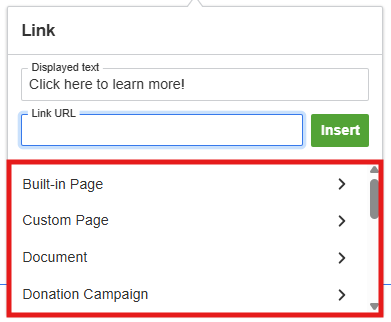
You may also use the options in the bottom of the link window to select content from your club site to link to. Click on an available category of content to select what you would like to insert a link to, such as a built-in page, photo album, event, donation campaign, and more.
-
After you select the club site content you wish to link to, click Insert.
-
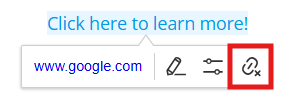
To remove a link, click the linked text or image in the editor, then click the Unlink icon.