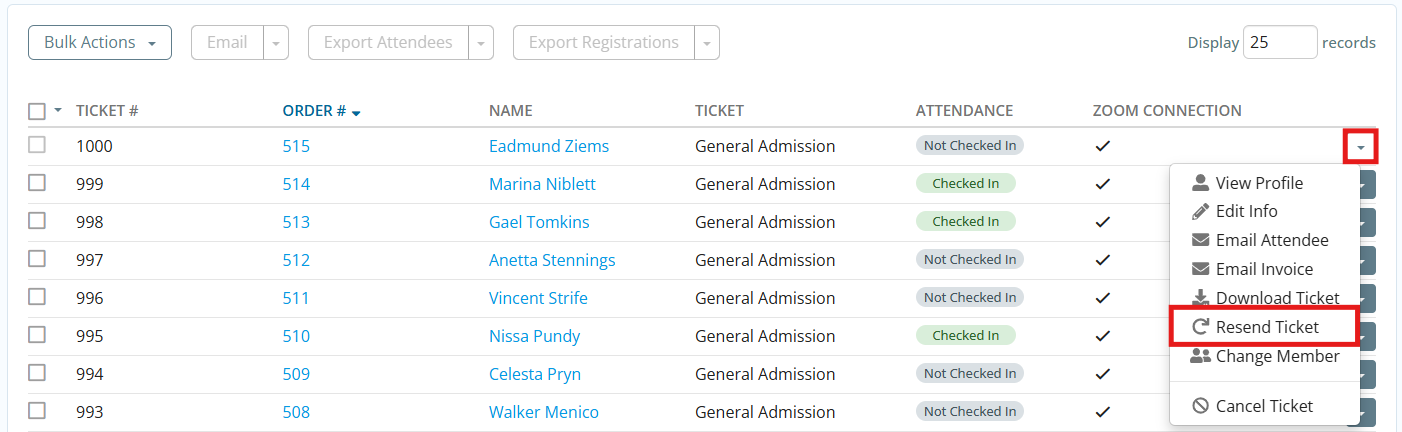
When attendees register for an event, they receive a confirmation email with a ticket attached, provided that this notification is enabled in the Event Settings. In the case that an attendee did not receive or cannot locate their ticket, you can resend it to their registered email address by following the steps below.
-
Log in to your account through your club homepage, then click on Member Area on the top right under your club banner. Alternatively, click here to go directly to the ClubRunner login page.
-
Click Events in the main menu navigation, then click Cloud Events.
-
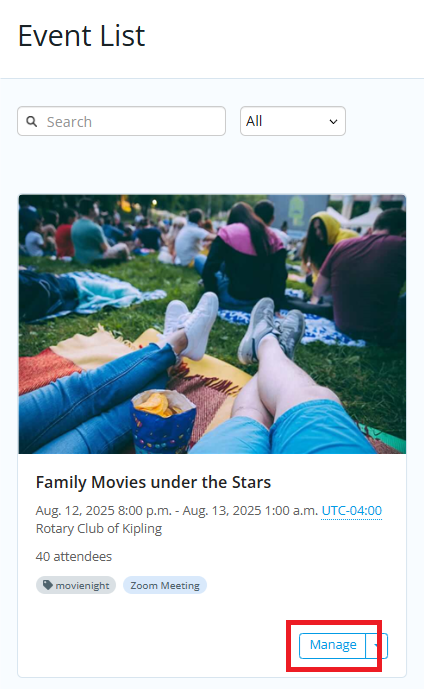
Click Manage on the event you would like to check attendees in for.
-
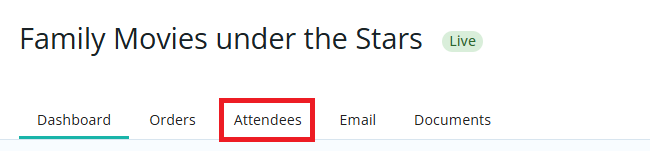
Click on the Attendees tab.
-
Scroll down to the list of attendees and locate the guest you wish to resend the ticket to. Click the drop-down arrow on the right-hand side, then click Resend Ticket.