You can use the district's member directory to find information about other members.
-
To begin, log in to your account through your district homepage, then click on Member Area in the top right-hand corner. Alternatively, click here to go directly to the ClubRunner login page.
-
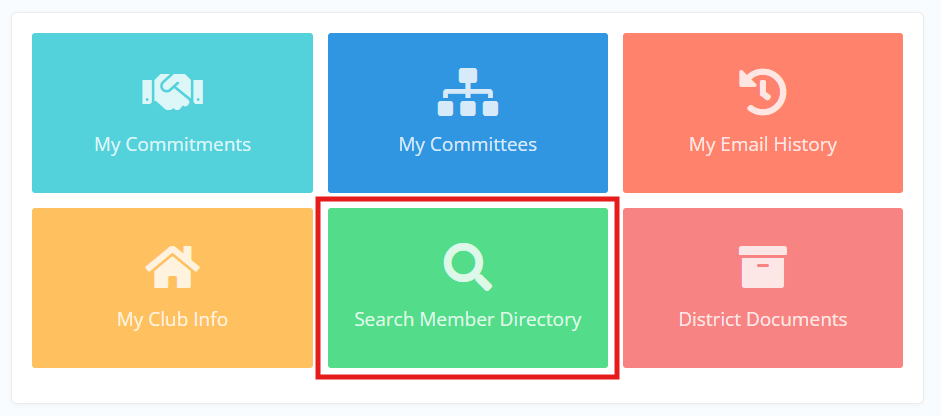
Click the Search Member Directory button.
-
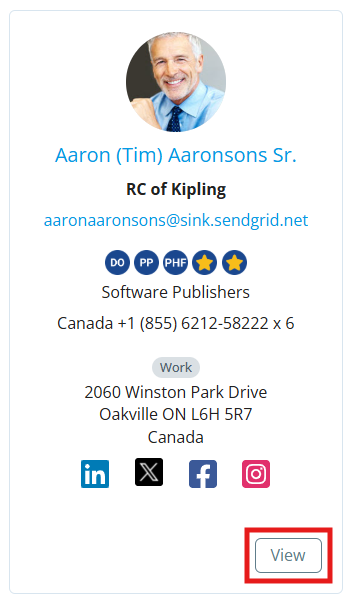
On the following page, you may scroll down the list of district members and click the View button under their information to open their expanded directory profile.
-
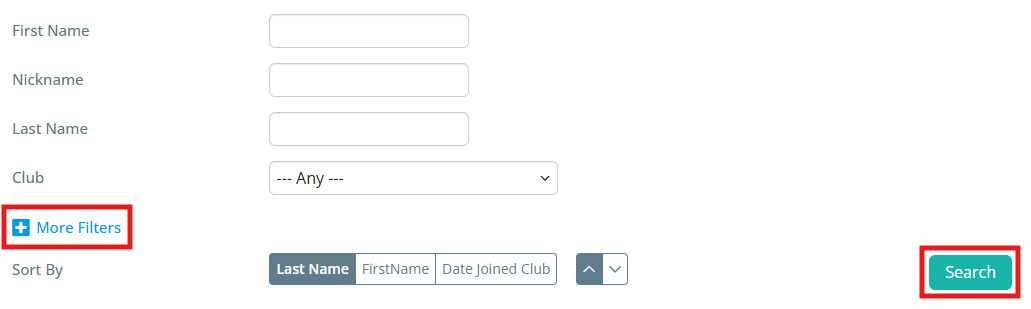
You can use the filters at the top of the page to narrow the displayed results below, which can be useful if trying to locate information about particular members. Enter information into any of the fields and click Search to update the results. You can click More Filters for additional filter options.