There are two volunteer signup reports to choose from: the summary report and volunteer report. Follow the steps below to view these reports for a volunteer signup list.
-
To begin, log in to your account through your club homepage, then click on Member Area in the top right-hand corner. Alternatively, click here to go directly to the ClubRunner login page.
-
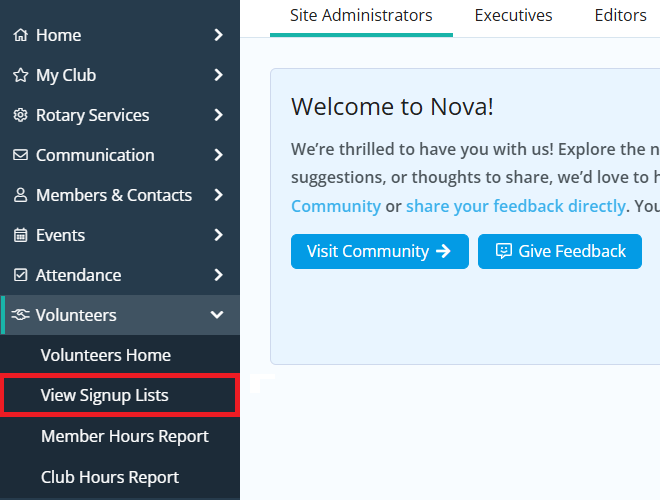
Click the arrow next to Volunteers in the left-hand menu, then click View Signup Lists.
-
Click either the name of the signup list you wish to view reports for, or click the Open link in the right-hand actions column.

-
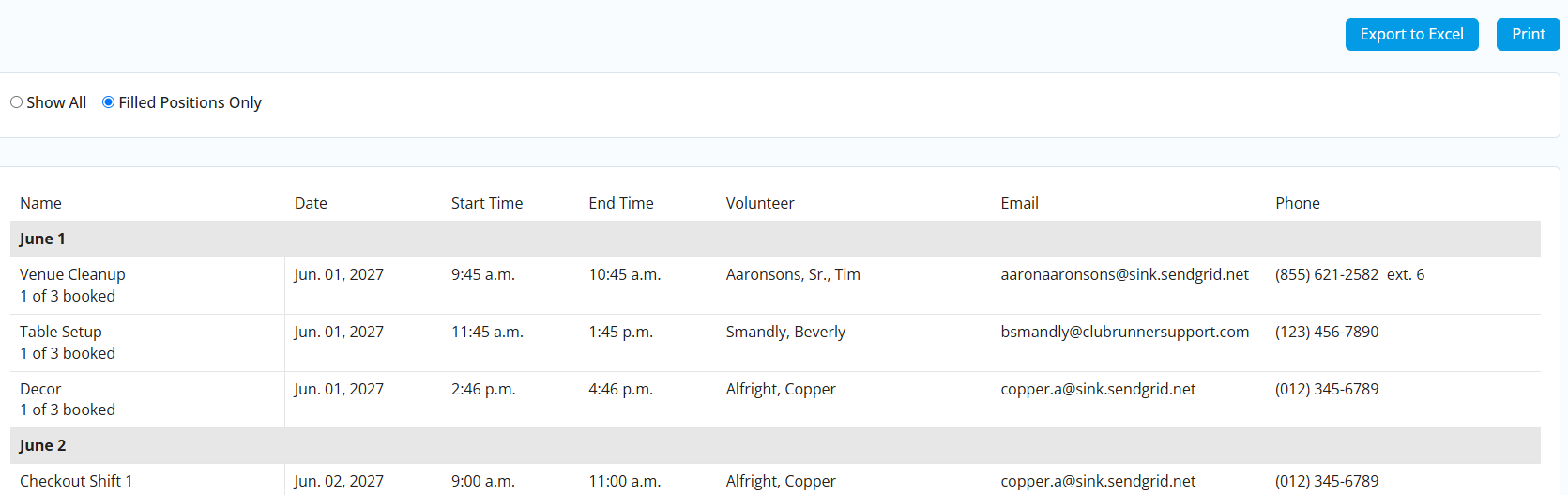
Click the Summary Report tab at the top of the page to view a quick snapshot of how many tasks have been booked, who has been booked and what is their contact information.

You may use the Export to Excel or Print options to export this information.
-
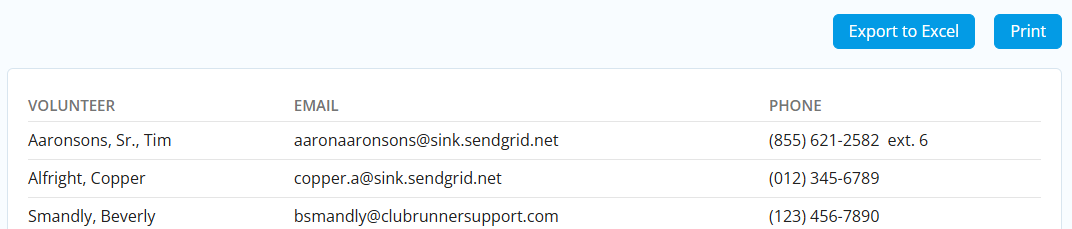
Click the Volunteer Report tab at the top of the page to view a quick list of all of the booked volunteers with their contact information.

You may use the Export to Excel or Print options to export this information.