


District roles (or member access rights) define how much control a given member has over your district site. You can view all members with a given district role by following the steps below.
To review what each district role gives access to, please read: Introduction to district access rights
This feature is only available for District Administators.
-
To begin, log in to your account through your district homepage, then click on Member Area in the top right-hand corner. Alternatively, click here to go directly to the ClubRunner login page.
-
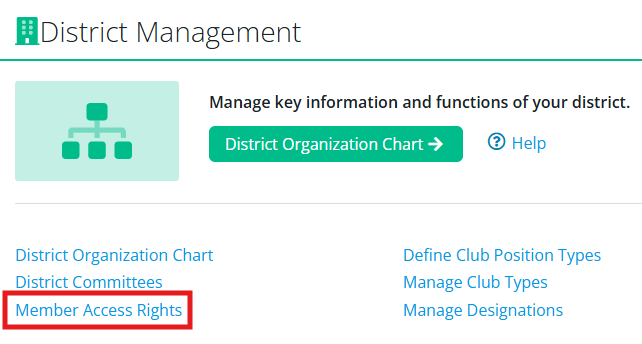
In the members area, scroll down to the District Management dashboard and click Member Access Rights.
-
You will see a list of the members with District Administrator access and may click the other available tabs to view the members with other district access roles such as Website Content Editor, Communication, District Events, and more. You may use the filters at the top of the page to further refine the results.

To learn how to edit a member's district access roles, please read: How do I assign district access roles?