As a member, you may change your volunteer registration information, such as for updating your email address and phone number, or even unbooking yourself from the event. This support article will show you how to edit your own registration information.
-
To begin, log in to your account through your club homepage, or click here to go directly to the ClubRunner login page.
-
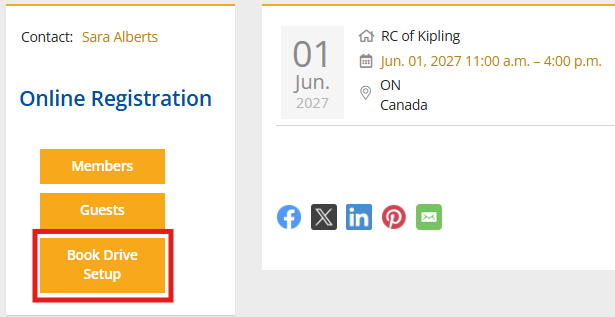
Navigate to the event page on your club site and click the volunteer signup list's registration button.
-
Locate the task you signed up for. Click on your name to edit your information.

-
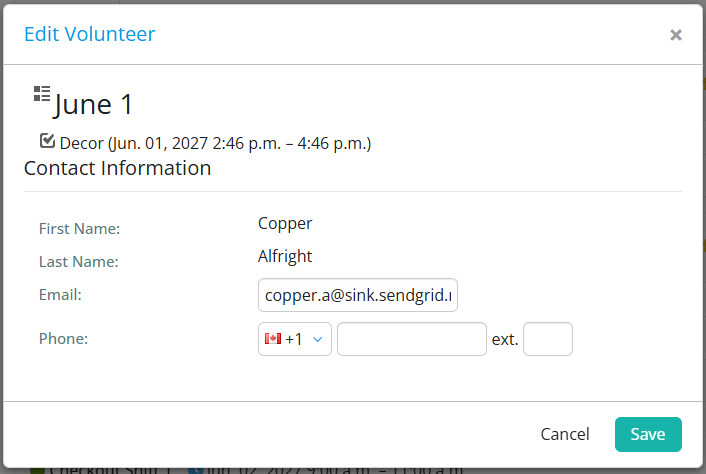
Change the email or phone field. Once done, click Save.
-
To remove your registration from the signup list, click the X.

-
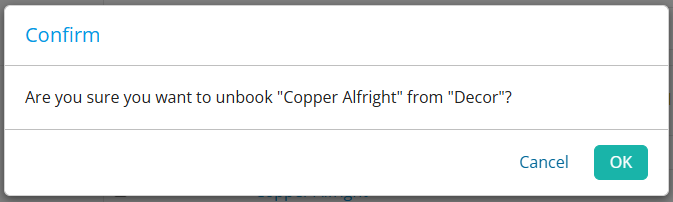
A confirmation window appears. Click OK to unbook yourself from the task.