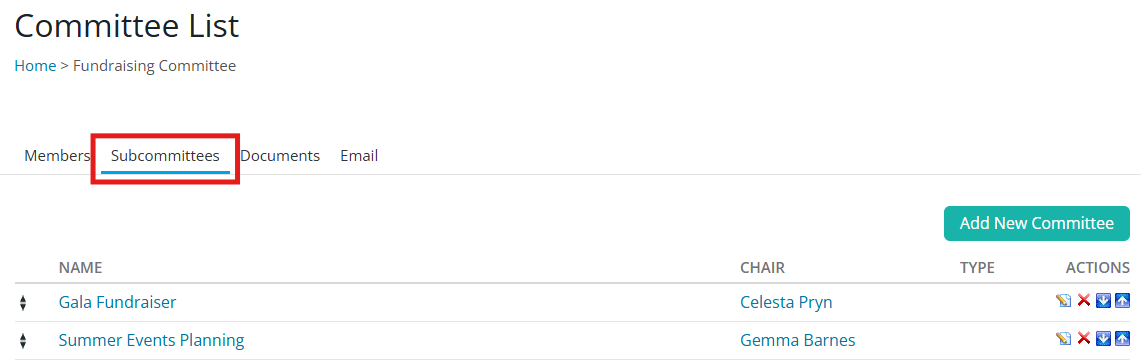
You may create three different kinds of committees in ClubRunner and list members, chairs and secretaries for each.
To learn how to create a committee, please read: How do I create a new committee?
Yearly Committees
These are committees formed for your club for only the current Year.
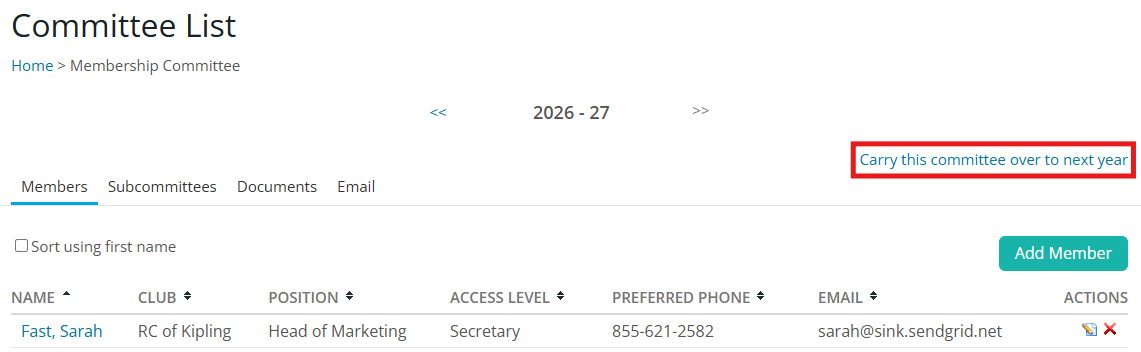
If you need to carry the information from a specific committee over to another year, click on the link “Carry this committee over to next year”. This will result in all members and their contact information duplicated for the following Rotary year. Any documents posted or emails sent in the previous year will not be carried over when carrying over a yearly committee.
Standing Committees
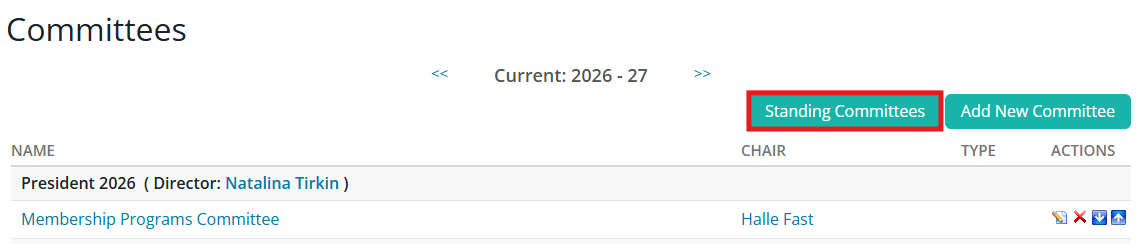
These are committees that are always in existence in your club, and do not have an associated year. This information will carry over from year to year.
You may view the list of standing committees by clicking the Standing Committees button after navigating to the Committees page.
Subcommittees
These are committees that are part of a larger committee. Subcommittees are visible within the larger committee, and are a nice way to create a structured hierarchy.
Subcommittees can be private or public, and each have access to their own area to define members, documents, emails and subcommittees. Members of a parent committee have access to information within the subcommittees, but members of a subcommittee do not get access to the parent committee information.