


If your club would like to use another event service to collect registrations for an event, you can still create a Cloud Event with its own landing page that can be shared on your club website. This support article will show you how to enable third-party registration for an existing Cloud Event for your club.
To learn how to create a Cloud Event, please read the support article: [NOVA] How can I create a Cloud Event?
-
To begin, log in to your account through your club homepage, then click on Member Area on the top right under your club banner. Alternatively, click here to go directly to the ClubRunner login page.
-
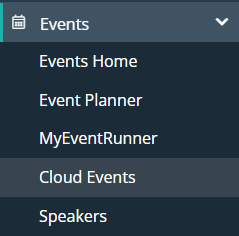
Click the arrow next to Events in the left-hand menu navigation, then click Cloud Events.
-
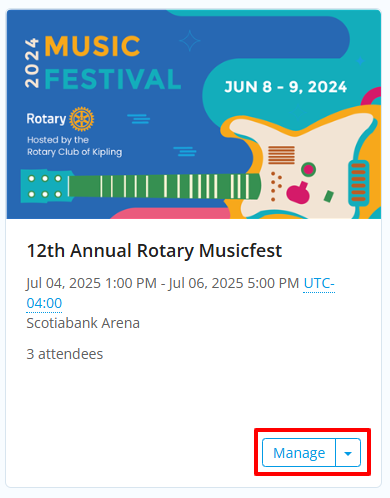
Click the Manage button on the event you wish to edit.
-
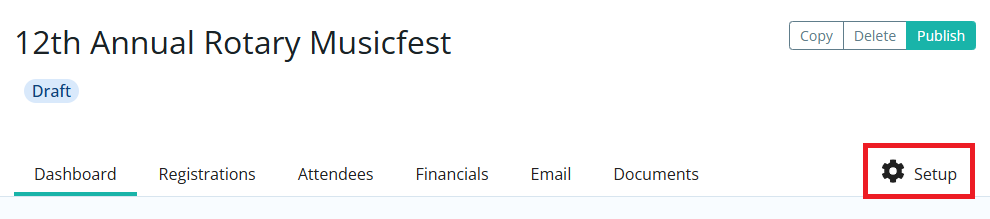
Click Setup in the top right-hand corner.
-
Click the Landing Page tab.

-
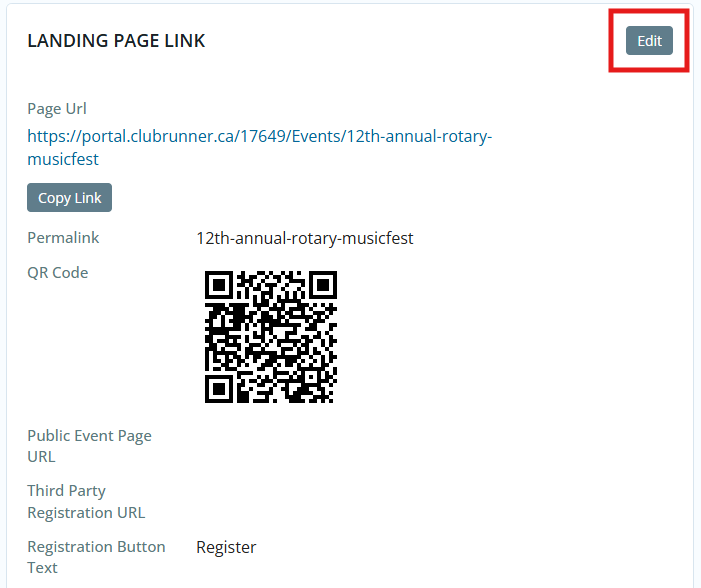
Scroll down to the "Landing Page Link" section and click the Edit button in the corner.
-
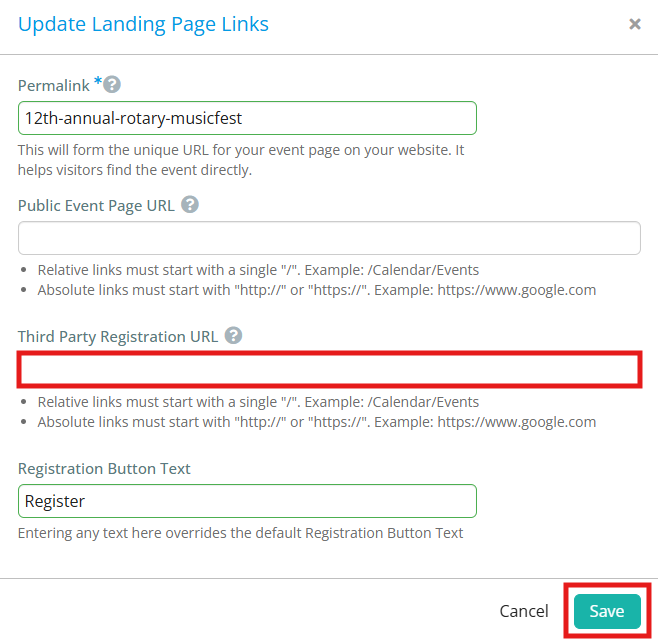
Enter the web address for the desired registration page into the Third Party Registration URL field, then click Save.
-
Now when visitors to the event's landing page click on the Register button, they will be taken to the third-party registration page to submit their details.
