After a prospect has submitted their membership inquiry, you may need additional information to determine if the prospect is a good fit for your club. This article will show you how to send the Tell Us More form to a prospect to collect additional data for their membership application.
-
To begin, log in to your account through your club homepage, then click on Member Area on the top right-hand corner under your club banner. Alternatively, click here to go directly to the ClubRunner login page.
-
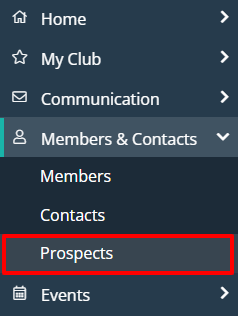
Once logged in, click on Members & Contacts in the left-hand side menu and select Prospects.
-
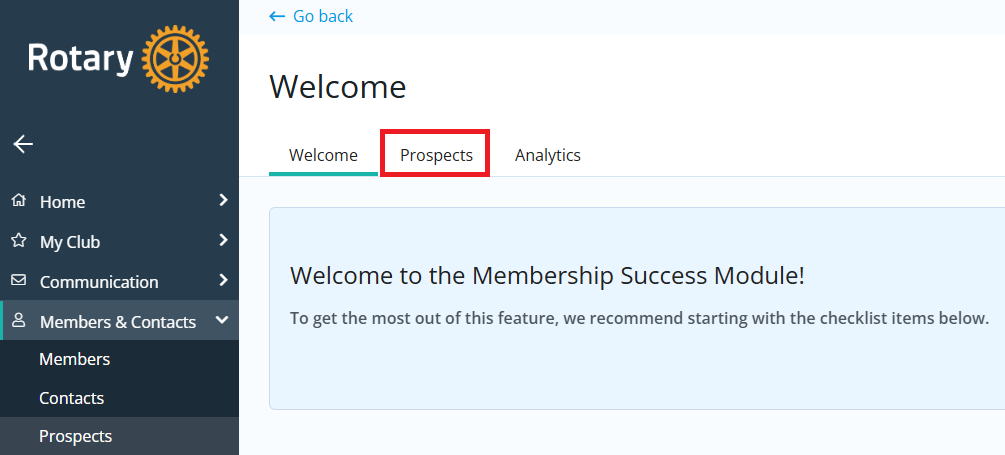
If you see the Membership Success Welcome page below, click Prospects. If you do not see this page, move on to the next step.
-
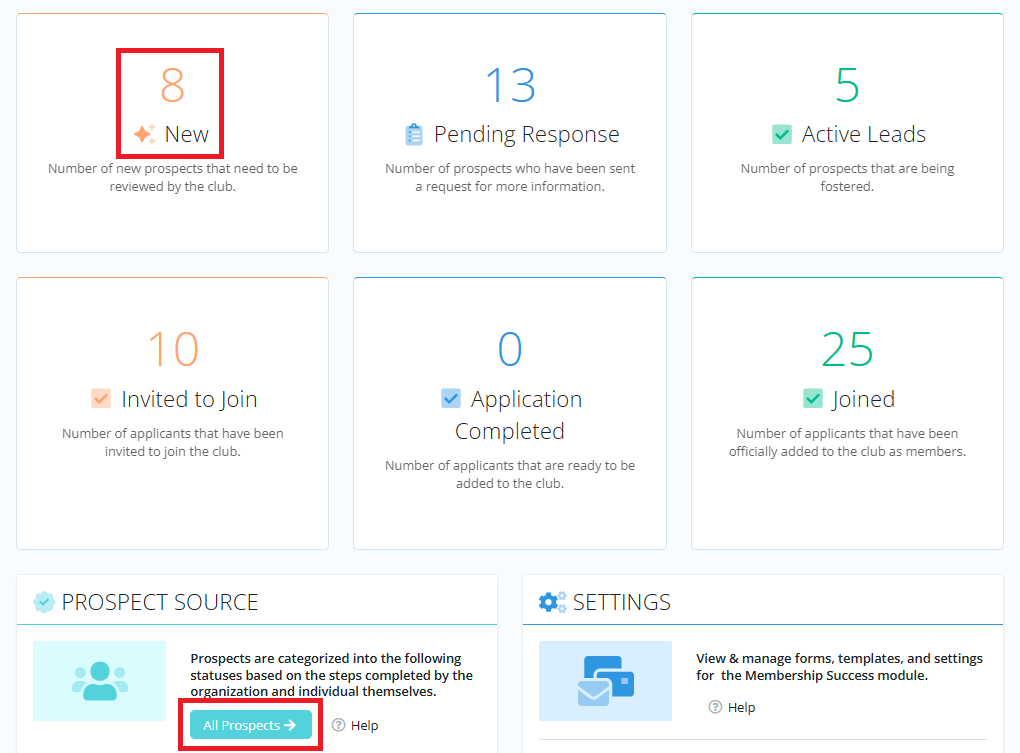
Click New in the Membership Success categories, or All Prospects.
-
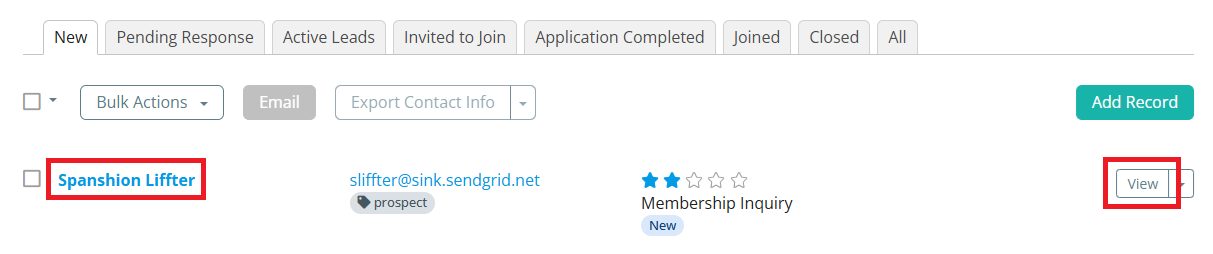
Locate the prospect's record in the list and click their name or View to open their profile.
-
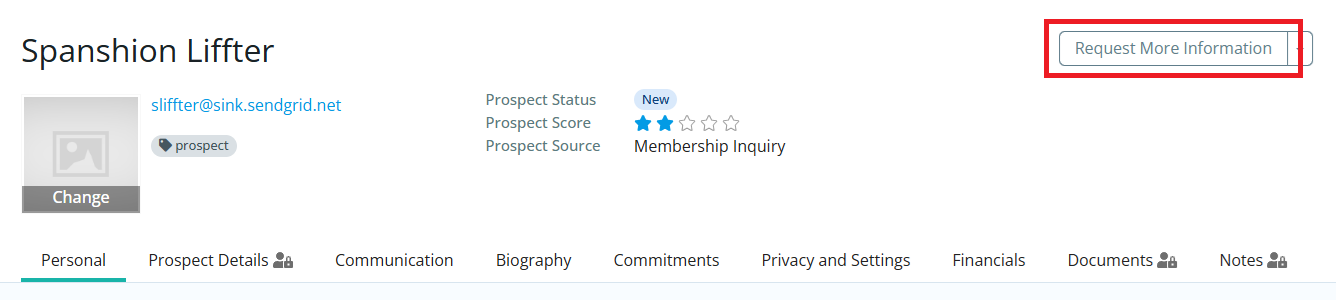
In the top right-hand corner of the profile page, click Request More Information, then click OK in the confirmation window that appears.
-
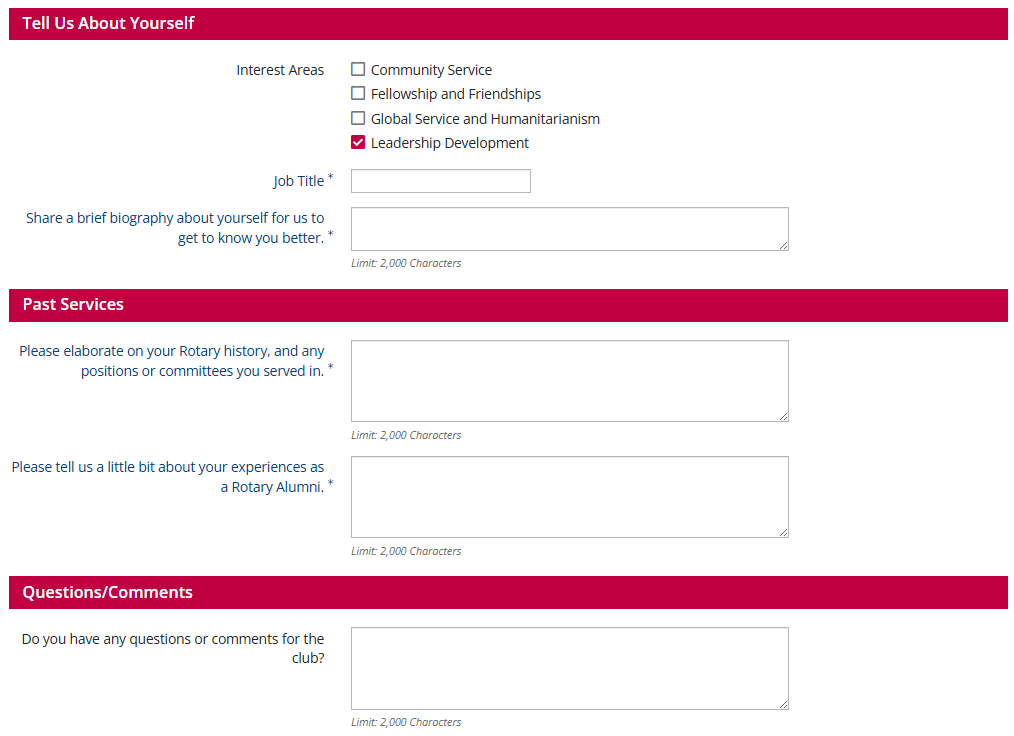
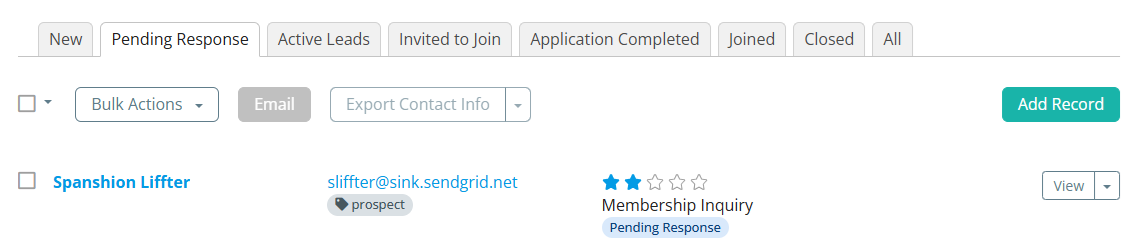
This will send the Tell Us More form to the prospect to be filled out and submitted, and will move the prospect record to the "Pending Response" stage of the Membership Success process.
-
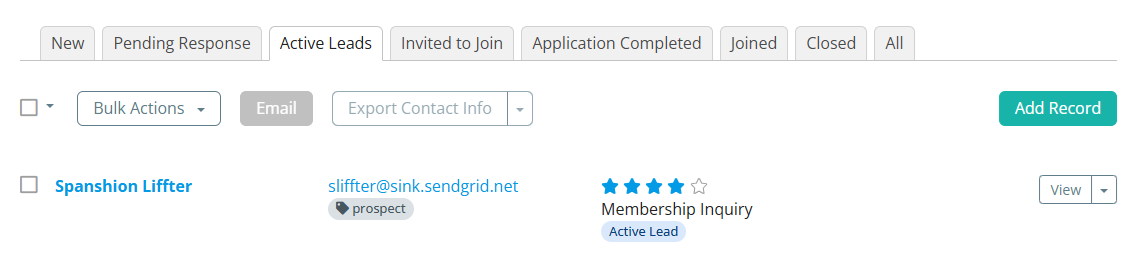
Once the prospect has submitted the form, the Membership Success Chair will be notified via email and the prospect will be moved to the "Active Leads" stage of the Membership Success process.
-
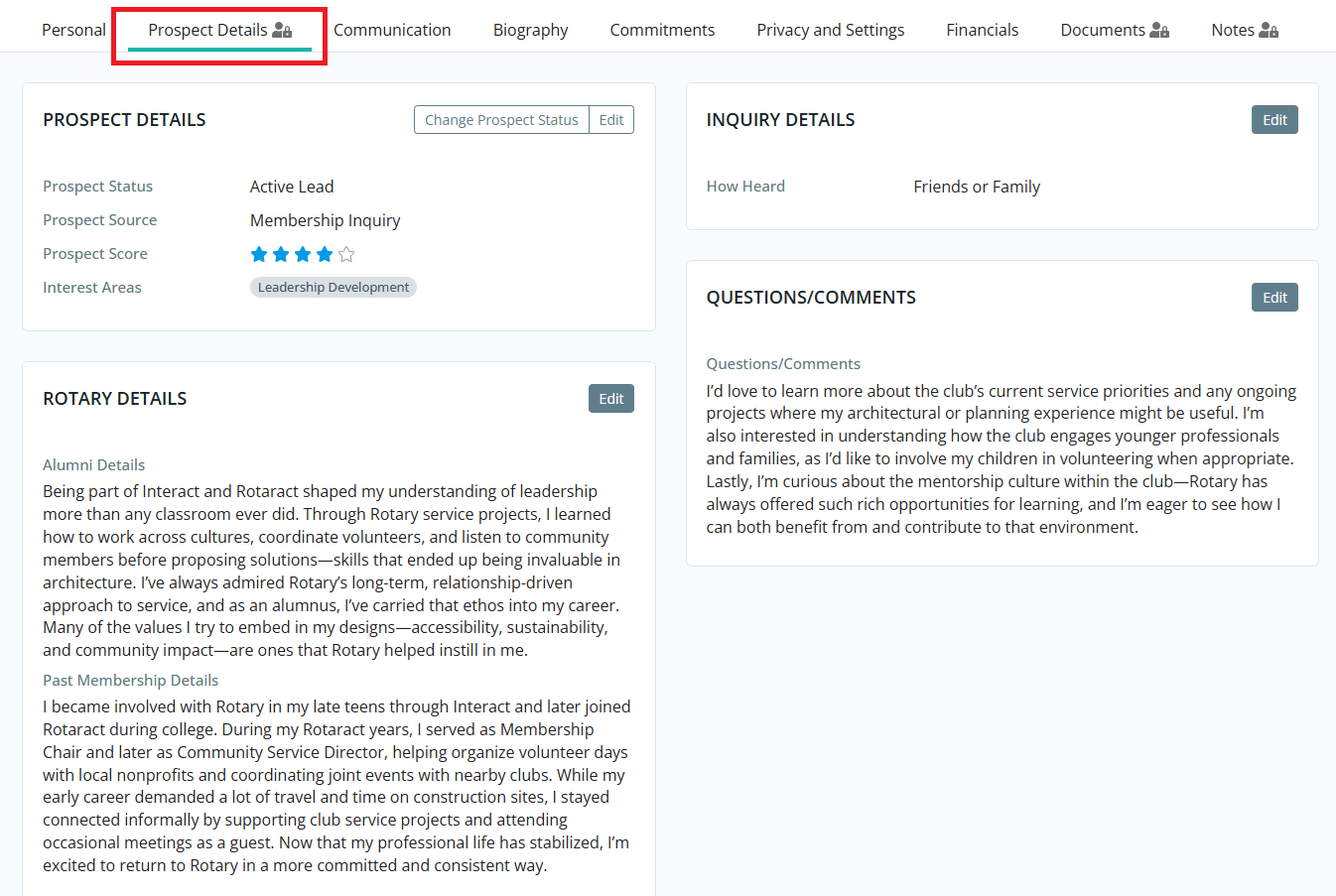
You may view the responses to the form by navigating to the prospect's profile and clicking the Prospect Details tab.