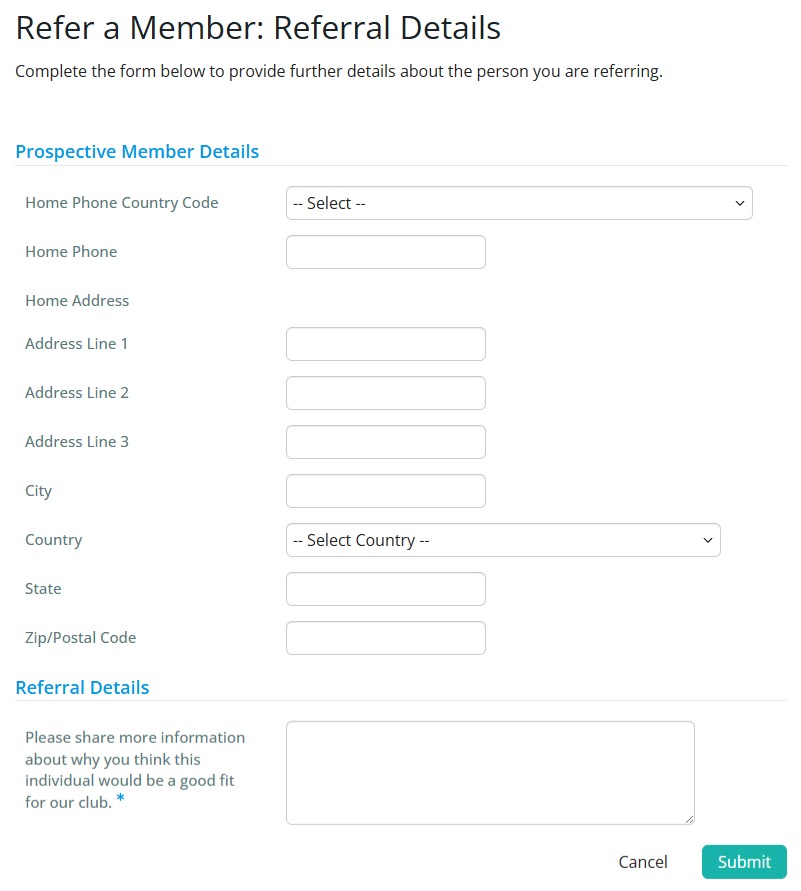
Your members can refer potential prospects to the club using an online form. This article will go through the steps of how to suggest a member via the “Refer a Member” form from the Membership Success module.
This is a private form, meaning only club members with a valid ClubRunner login are allowed to access and refer members.
-
To begin, log in to your account through your club homepage, then click on Member Area on the top right-hand corner under your club banner. Alternatively, click here to go directly to the ClubRunner login page.
-
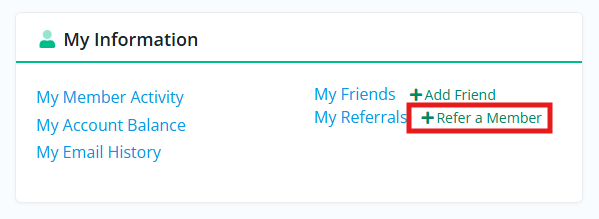
Once logged in, regular members with level 70 access can find the link to the referral form on their member dashboard, in the My Information section shown below.
-
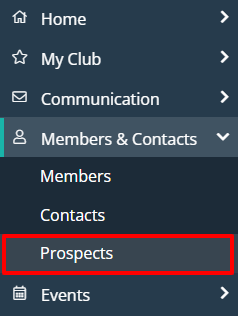
Members with level 50-Executive or better acess can find the referral form by clicking on Members & Contacts in the left-hand side menu and selecting Prospects.
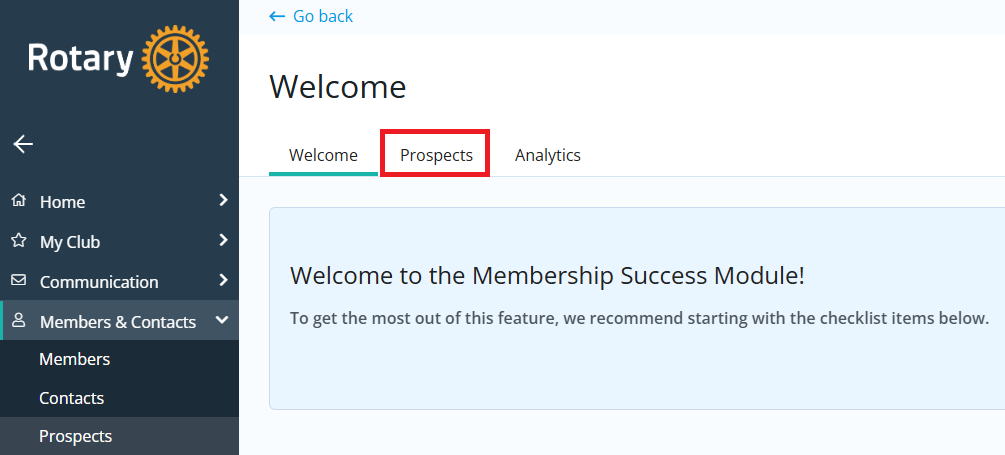
If you see the Membership Success Welcome page below, click Prospects. If you do not see this page, move on to the next step.
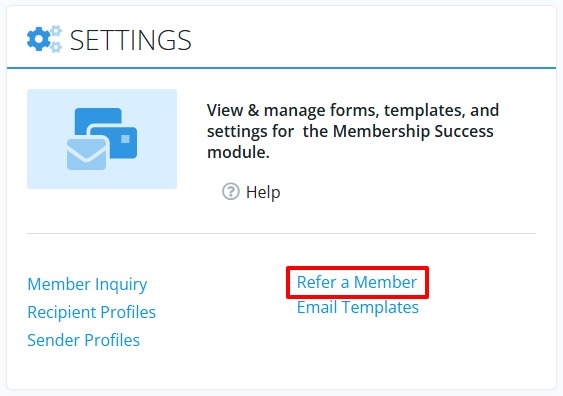
Down towards the bottom of the page you'll find a Settings section, click Refer a Member.
-
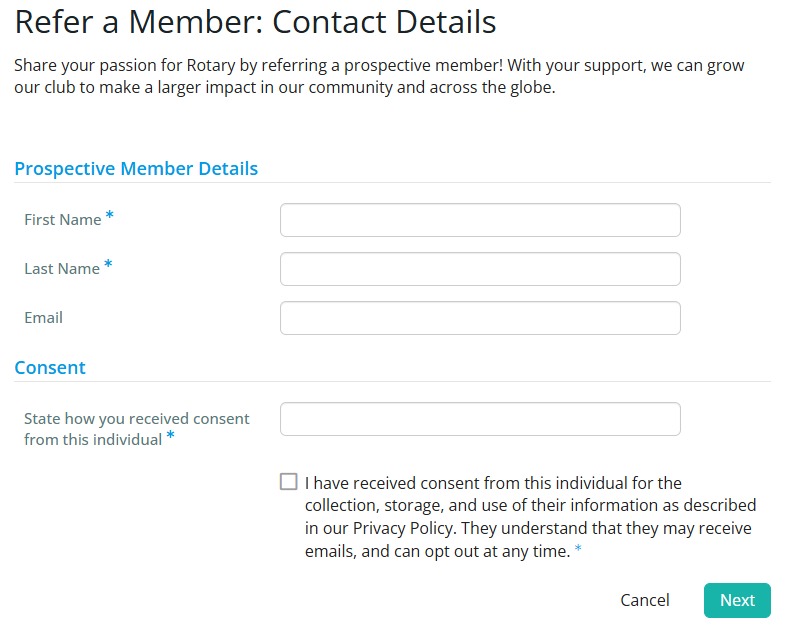
After opening the referral form, you'll now be prompted to enter the initial details for the member you're referring. Click Next once you've entered all required information.
-
The final step is to provide any additional member profile details. Click Submit when you're ready and the system will send the prospective member an email shortly thereafter, as well as adding them to your prospects list.